

Agentic AI & Autonomous Coding Systems in 2026: The New Engineering Workforce
Why engineering teams are moving from autocomplete copilots to autonomous multi-agent coding systems with self-healing pipelines in 2026.
Read article
Greenfield consumer app → SwiftUI. Heavy video/editor → UIKit or hybrid. iOS 27 APIs often SwiftUI-first.
When rolling out changes related to SwiftUI vs UIKit in 2026, start with a two-week technical spike on the riskiest integration point. Document assumptions, measure baseline metrics, and define rollback before touching production traffic.
Agree the minimum iOS version before development starts, and name who owns App Store submission. Review timing is outside your control, so treat it as a dependency with slack.
The recurring failure is mixing the two frameworks without a rule for which owns what. Both interoperate well; projects get into trouble when the boundary is decided per-screen by whoever is writing it.
The costly mistake is rewriting a working UIKit app for its own sake. Adopt SwiftUI at the edges — new screens, new features — and let the old code earn its replacement.
Our architects offer a free 30-minute consultation — no sales pitch, just answers.
Why engineering teams are moving from autocomplete copilots to autonomous multi-agent coding systems with self-healing pipelines in 2026.
Read article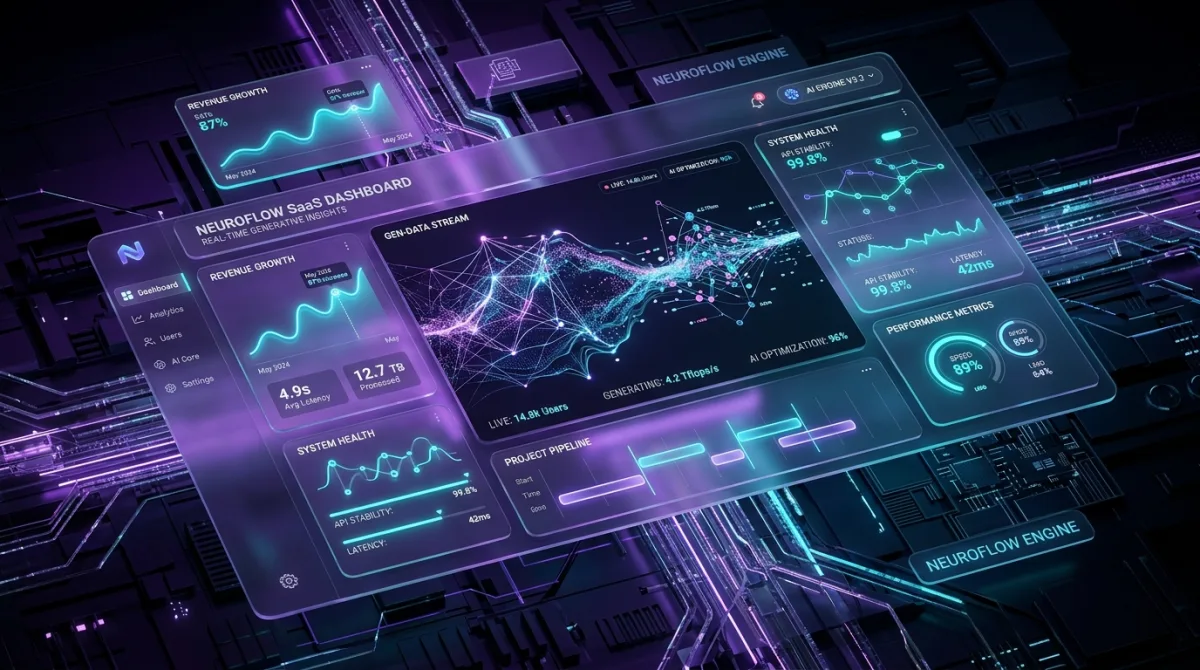
Why rigid tables and static forms are dying, and how generative software renders intent-driven micro-interfaces in real time in 2026.
Read article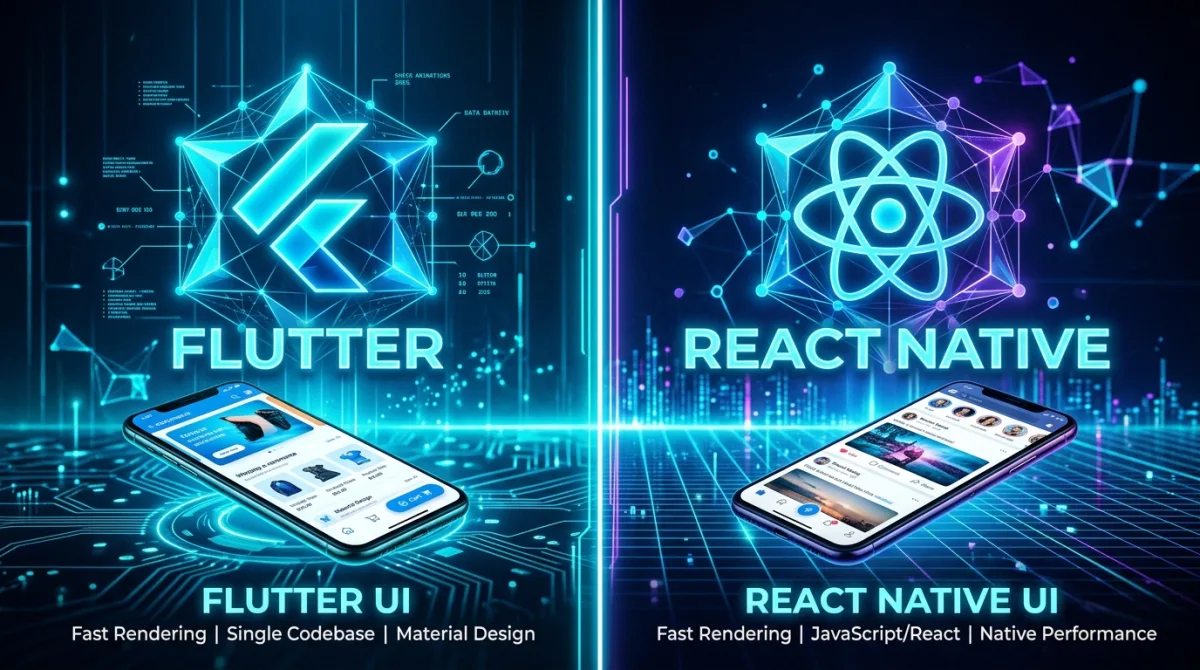
Flutter Impeller vs React Native Fabric benchmarked for 2026: frame rates, cold start times, memory use and AI bridging, with data from real builds.
Read article