

Agentic AI & Autonomous Coding Systems in 2026: The New Engineering Workforce
Why engineering teams are moving from autocomplete copilots to autonomous multi-agent coding systems with self-healing pipelines in 2026.
Read article
A chatbot answers questions. An AI agent completes work. The difference is tool use and autonomy: an agent can read your CRM, query your database, call your APIs, draft the email, and — within guardrails you define — actually send it. That shift from conversation to execution is why agent projects are showing ROI numbers that chatbot projects never reached.
AI tools have come a long way recently. Models can now trigger external software functions smoothly, while tools like LangGraph let us build step-by-step logic with human approval checkpoints. By connecting your own company documents directly to the system, these bots stop making up random answers. They log their steps clearly and hand tricky questions over to a real person when they are unsure.
After setting up automated systems across clinics, banks, shipping warehouses, and online stores, one lesson stands out: the best results happen on repetitive tasks that still need a little bit of common sense. Routine customer support is a great example. A smart system can easily sort incoming tickets, answer common questions right away, and pass complicated issues to your staff with all the background notes ready.
The second tier of wins lives in back-office operations. Finance teams use them to read vendor bills, match line items against purchase receipts, catch billing errors, and sync clean numbers right into their accounting books. Sales teams use them to research incoming leads and draft initial email replies for reps to review. None of these are moonshots — each is a 6-10 week build with measurable before-and-after numbers.
Behind the scenes, a solid setup connects five moving pieces: a logic engine to guide the workflow, smart models to process requests, a document database for search, secure API connections, and detailed tracking so you can watch what runs.
Setting strict safety boundaries is essential. Agents get read access broadly and write access narrowly. Any action that is irreversible or customer-facing — sending money, emailing a client, changing an order — routes through an approval queue until accuracy data justifies removing it. This staged-autonomy approach is how you get the ROI without the headlines.
One logistics client was handling nine thousand shipping bills every month with four full-time staff. We set up an extraction pipeline that handles all the routine paperwork, leaving their team to review just the small handful of tricky cases. Handling each document used to cost them around four dollars, but that number tumbled down to seventy cents, making the entire project pay back its development cost in just sixteen weeks.
Track your bots just like regular team members by checking cost per job, mistake counts, and turnaround speed. Record your numbers before writing code, run the software quietly in the background alongside your team for a month, and switch it on only when you are satisfied. Teams that skip the baseline can never prove the ROI they actually achieved — and proof is what unlocks budget for agent number two.
Start with one single headache in your company that happens every day, like sorting support emails or processing PDF invoices. Take two weeks to map out how people do it today, build a small test version in six to eight weeks, test it alongside your team, and roll it out slowly once it proves itself. This is exactly the sequence behind our AI engagements, and it is why none of them have been quiet failures.
The biggest mistake we see is starting with the hardest, most visible workflow to impress leadership. Start with the boring one. A boring agent that saves 400 hours a month builds the organizational trust — and the evaluation infrastructure — that ambitious agents need. If you want a structured starting point, our team at Devlex Infotech in Ahmedabad builds enterprise-ready AI agents and workflows with complete code ownership and production-grade observability.
Our architects offer a free 30-minute consultation — no sales pitch, just answers.
Why engineering teams are moving from autocomplete copilots to autonomous multi-agent coding systems with self-healing pipelines in 2026.
Read article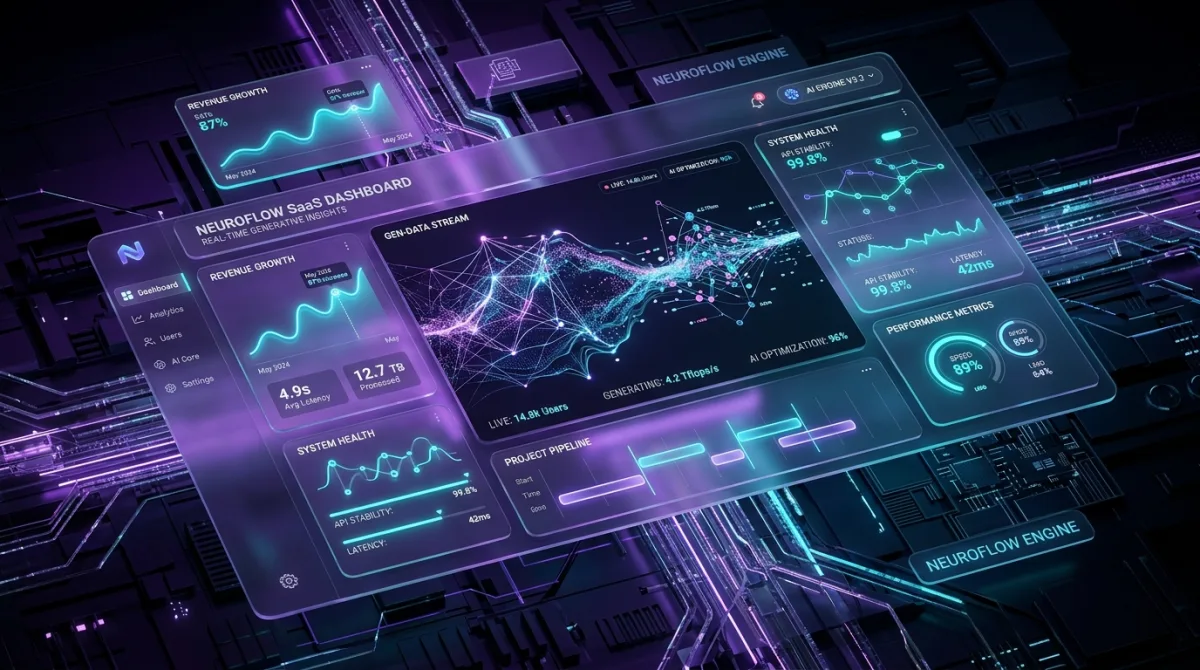
Why rigid tables and static forms are dying, and how generative software renders intent-driven micro-interfaces in real time in 2026.
Read article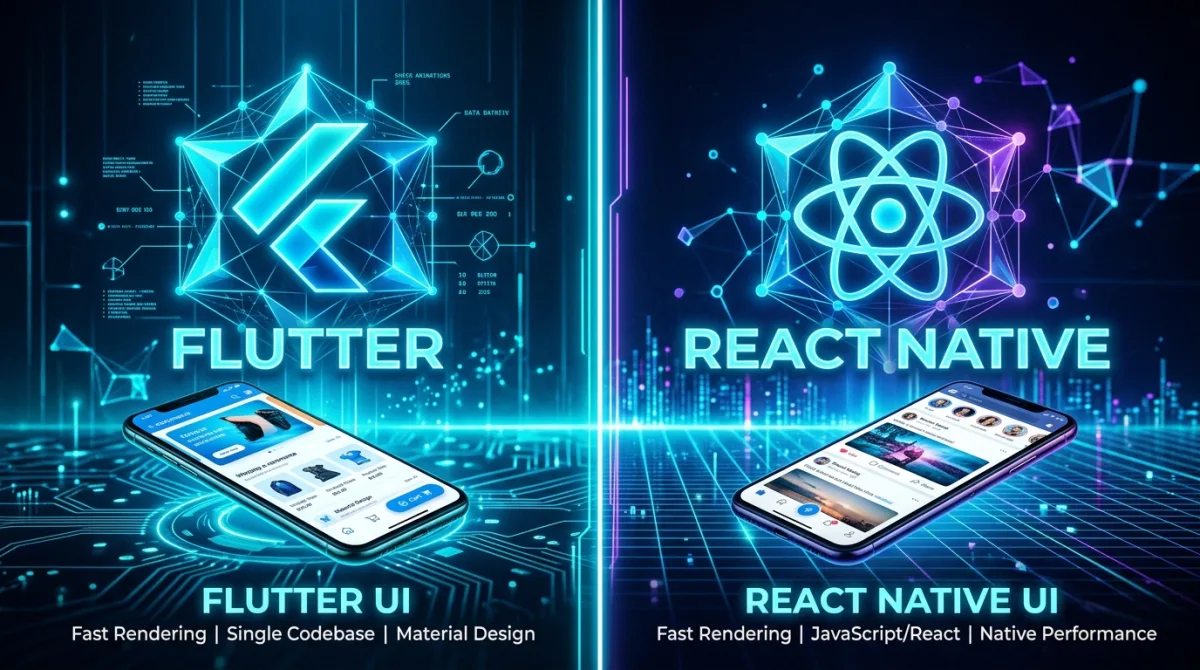
Flutter Impeller vs React Native Fabric benchmarked for 2026: frame rates, cold start times, memory use and AI bridging, with data from real builds.
Read article